# Gitmal
Gitmal is a static page generator for Git repositories. Gitmal generates static HTML pages with files, commits,
code highlighting, and markdown rendering.
## Installation
```sh
go install github.com/antonmedv/gitmal@latest
```
```sh
docker run --rm -v $(pwd):/repo antonmedv/gitmal /repo
```
Or download prebuilt binary from [releases](https://github.com/antonmedv/gitmal/releases).
## Usage
Run gitmal in the repository dir. Gitmal will generate pages in _./output_ directory.
```sh
gitmal .
```
Run gitmal with `--help` flag, go get a list of available options.
```sh
gitmal --help
```
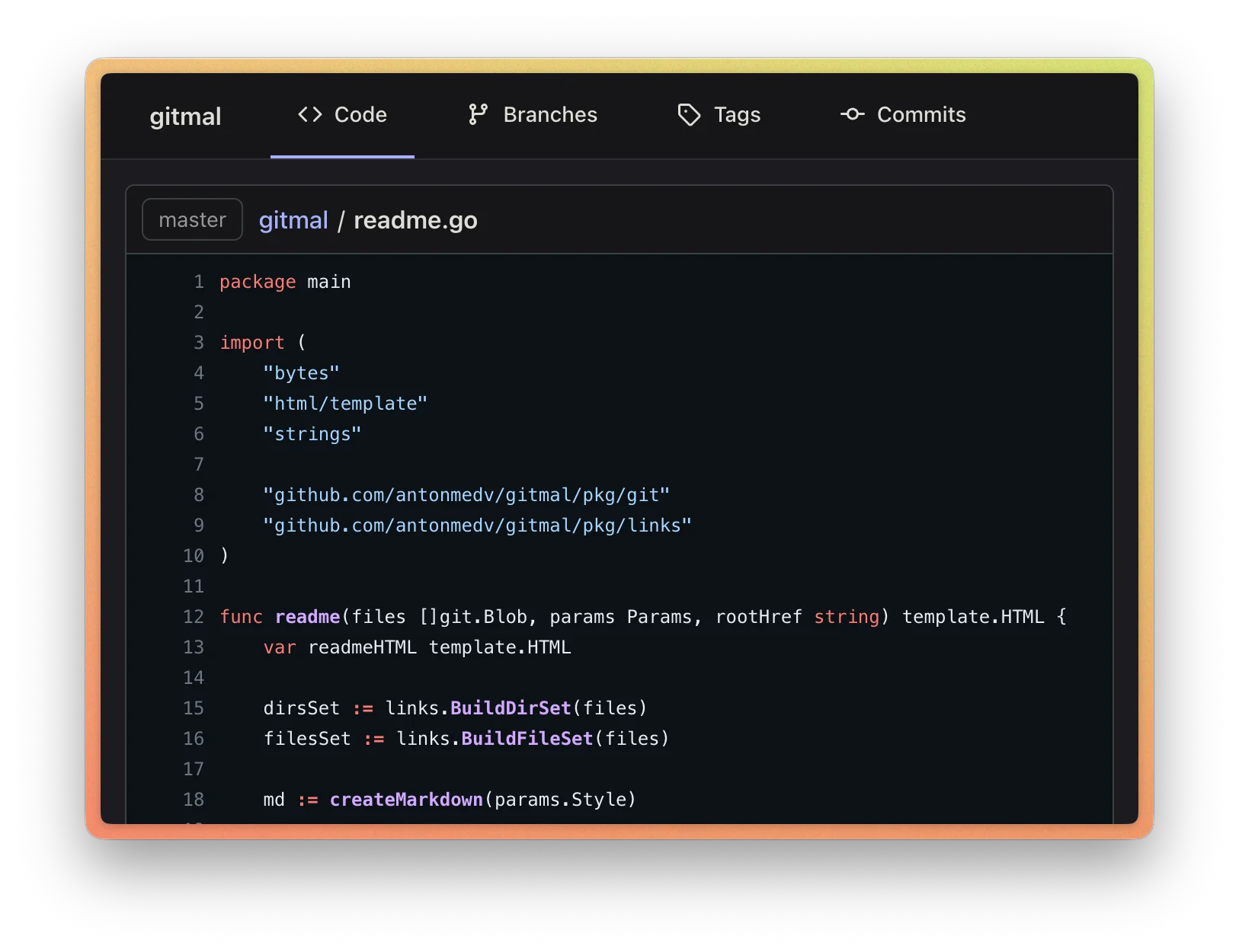
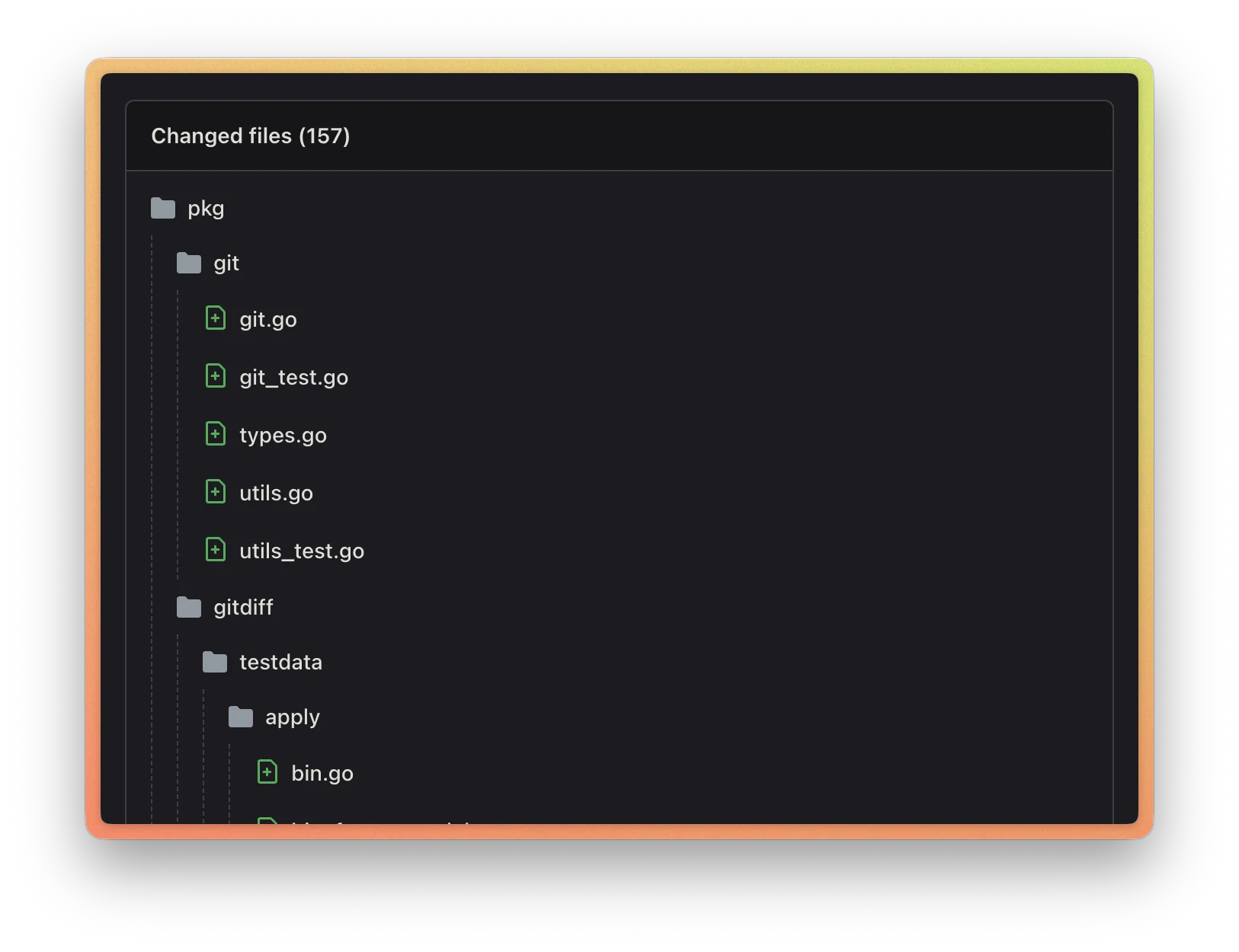
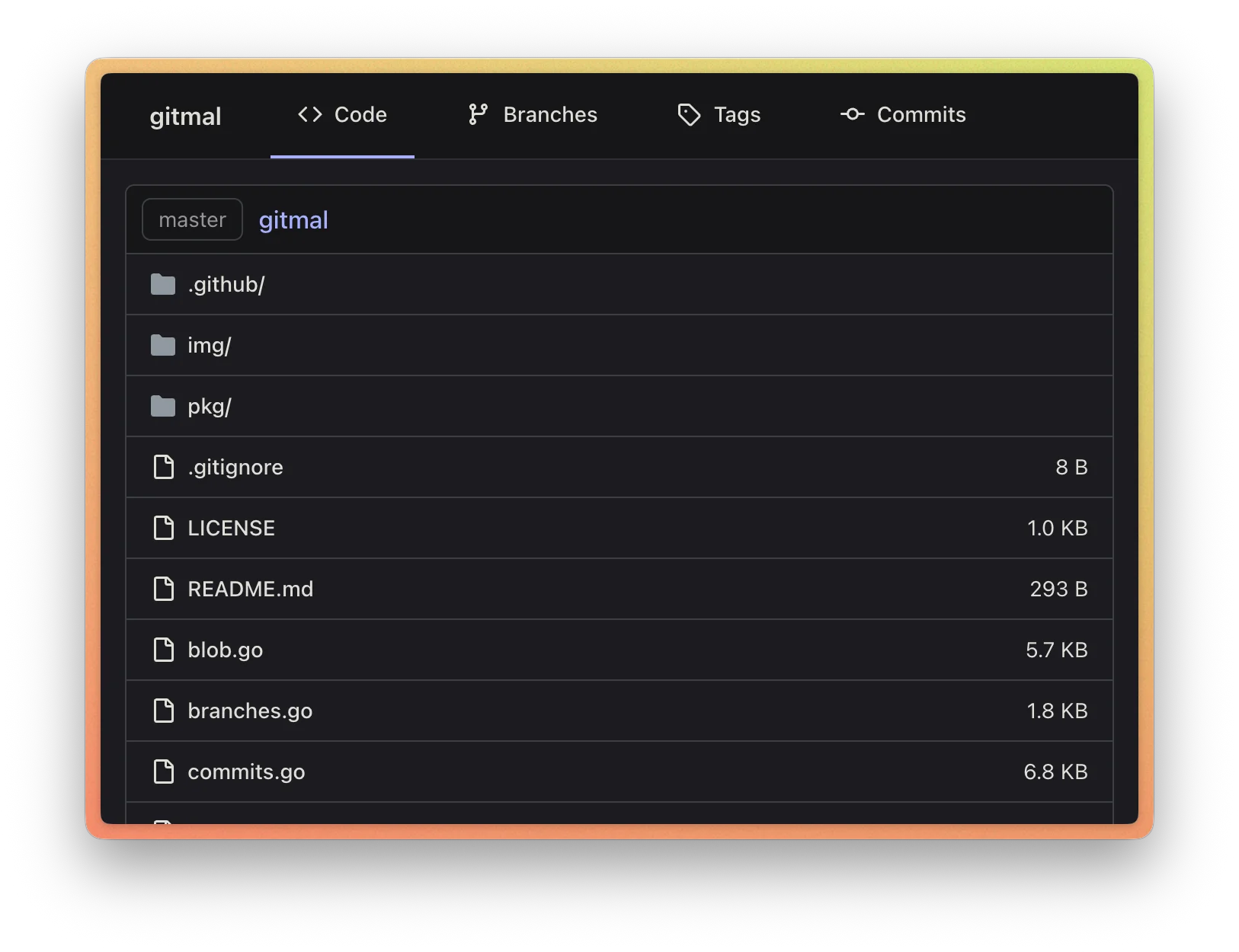
## Screenshots
## Examples
Here are a few examples of repos hosted on my website:
- [git.medv.io/zx/](https://git.medv.io/zx/) — github.com/google/zx
- [git.medv.io/zig/](https://git.medv.io/zig/) — codeberg.org/ziglang/zig (light theme)
- [git.medv.io/my-badges/](https://git.medv.io/my-badges/) — github.com/my-badges/my-badges
Gitmal on kubernetes repository works as well. Generation on my MacBook Air M2 with `--minify` and `--gzip` flags
takes around 25 minutes, and the generated files weigh around 2 GB.
## Themes
Gitmal supports different code highlighting themes. You can customize the theme with `--theme` flag.
```sh
gitmal --theme github-dark
```
## Documentation
- [How to Self-Host a Git Repository?](./docs/how-to-self-host-a-git-repository.md)
## License
[MIT](LICENSE)