# Gitmal
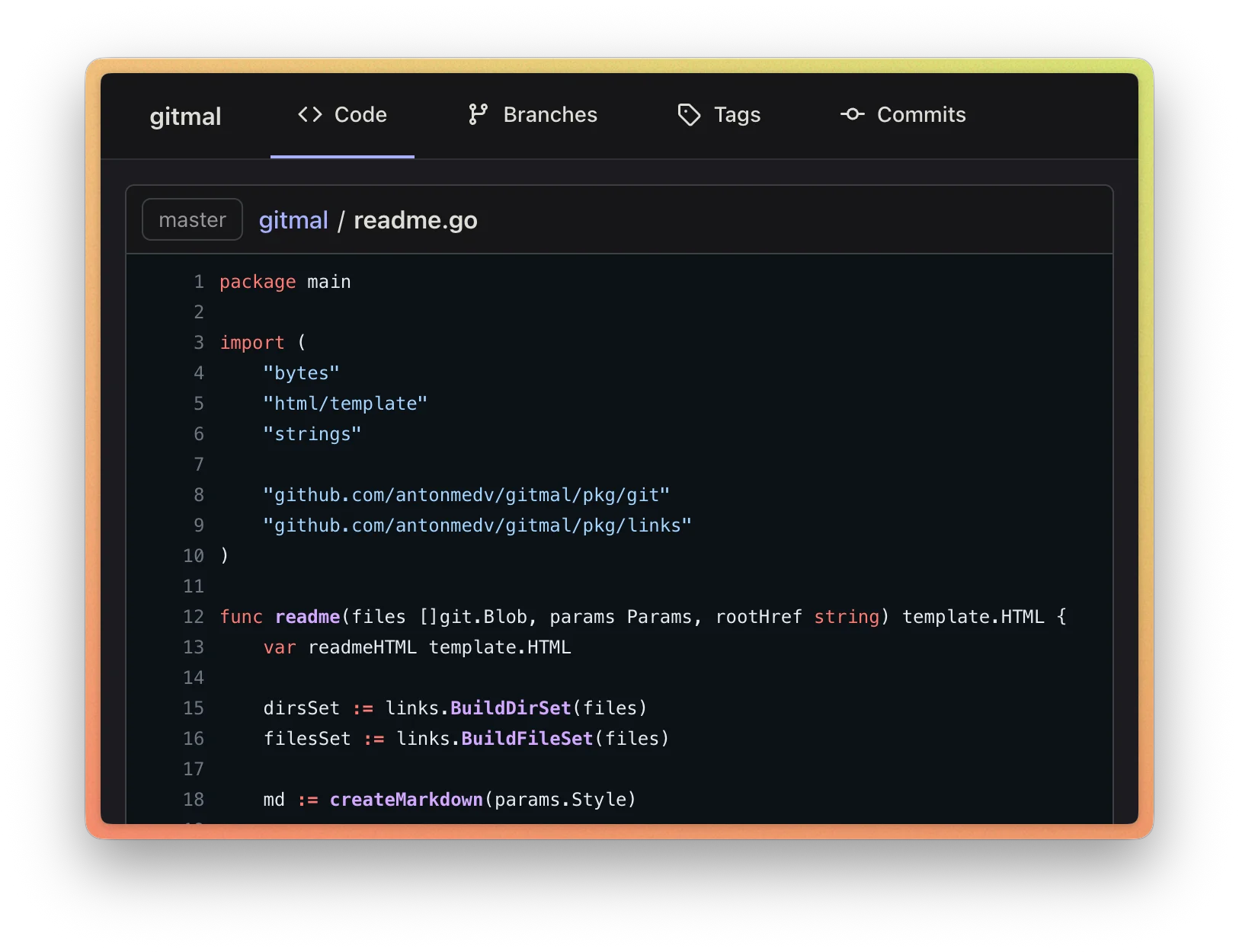
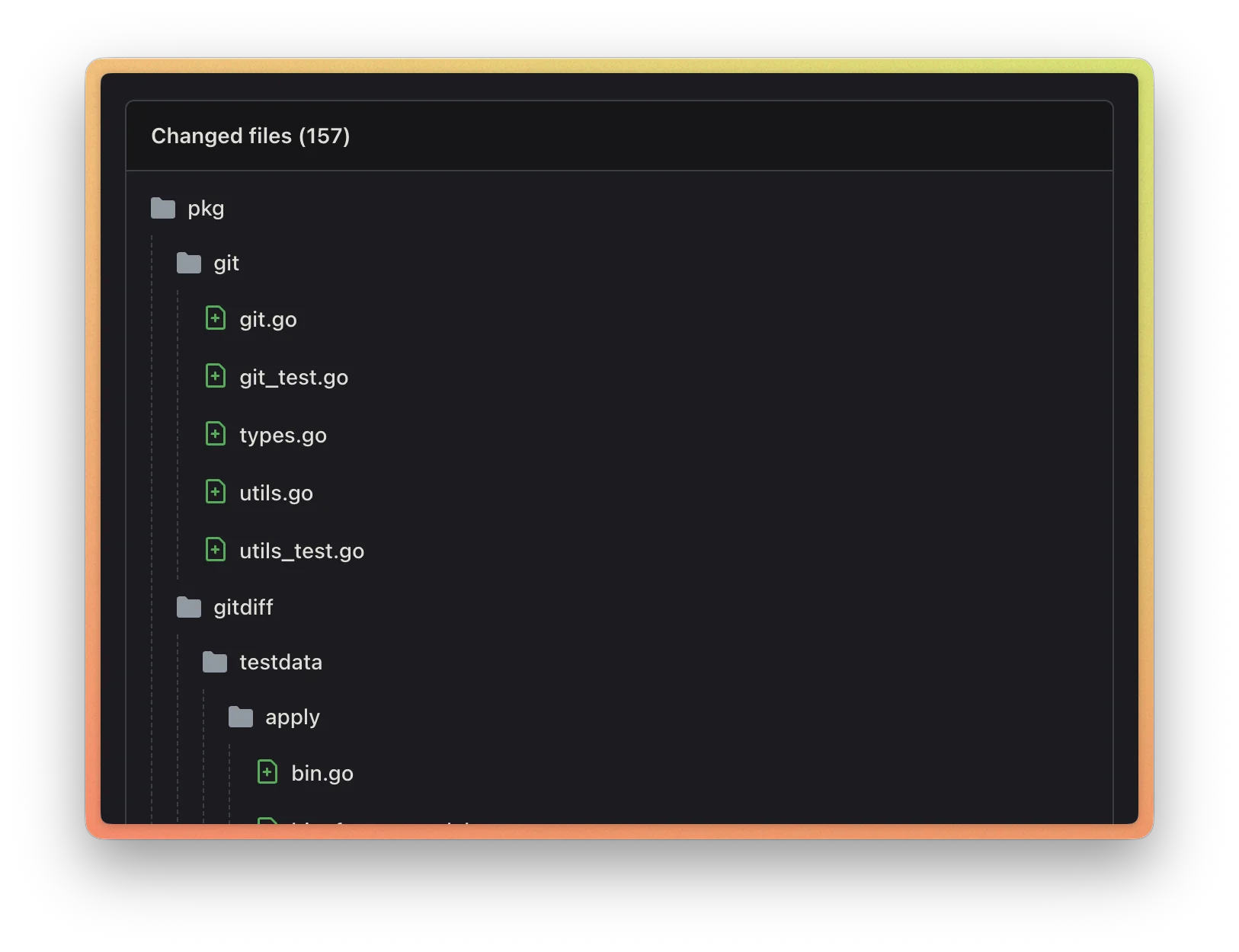
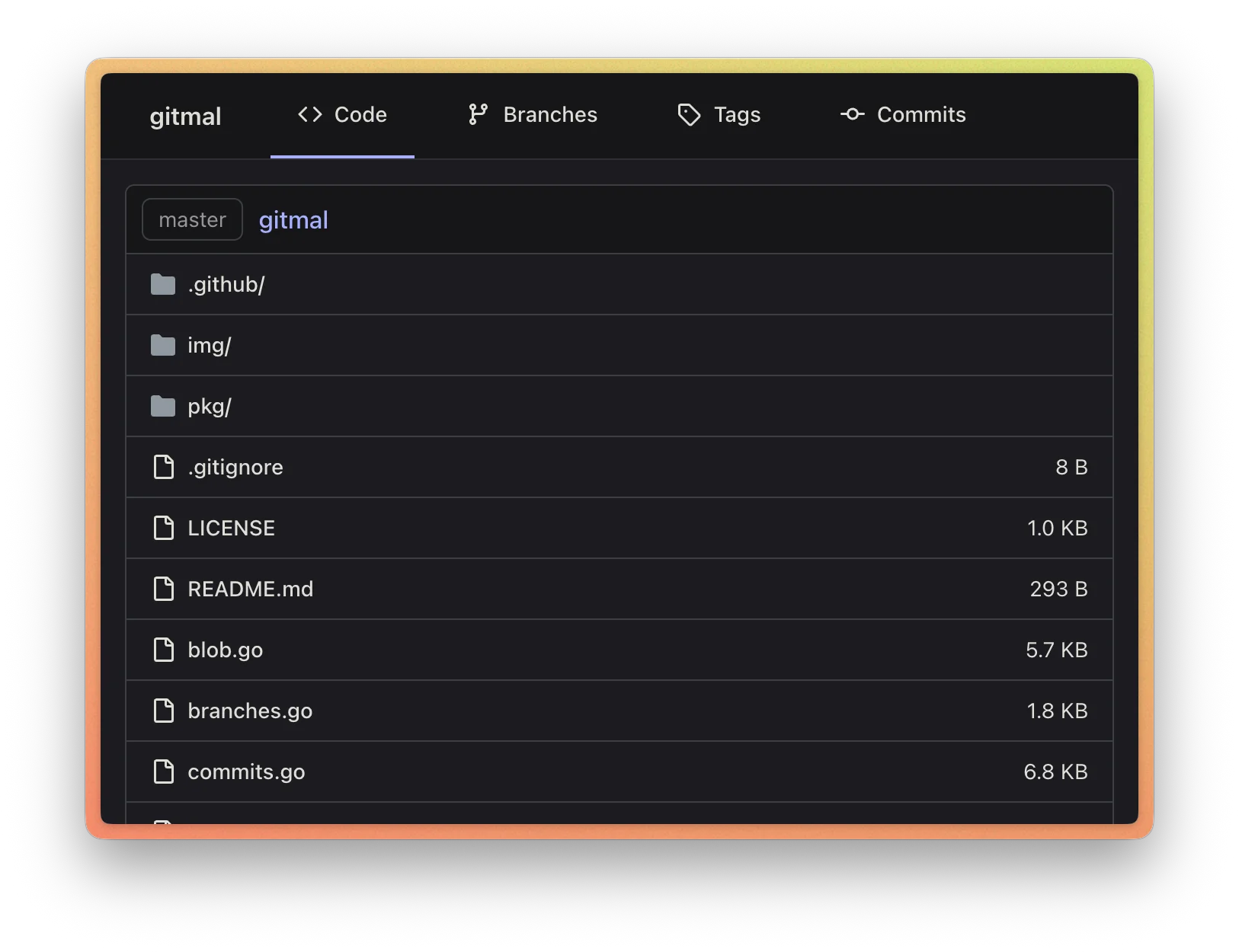
Gitmal is a static page generator for Git repositories. Gitmal generates static HTML pages with files, commits,
code highlighting, and markdown rendering.
## This is a fork
The upstream is .
This version:
- clone: `git clone https://www.intermittent.network/git/gitmal.git`
- browse the [repository as rendered by the fork](https://www.intermittent.network/git/gitmal/)
## Installation
From a checkout:
```sh
go install .
```
## Usage
Run gitmal in the repository dir. Gitmal will generate pages in _./output_ directory.
```sh
gitmal .
```
Run gitmal with `--help` flag, go get a list of available options.
```sh
gitmal --help
```
## Screenshots
## Themes
Gitmal supports different code highlighting themes. Both a light and dark theme are required, and switching is based on the browser settings.
The default is:
```sh
gitmal --light-theme github --dark-theme github-dark
```
## Documentation
From upstream, not updated:
- [How to Self-Host a Git Repository?](./docs/how-to-self-host-a-git-repository.md)
## License
[MIT](LICENSE)